When debugging a Flex 3 application on Vista / IE 7, you may encounter this error when debugging an application for the second time.
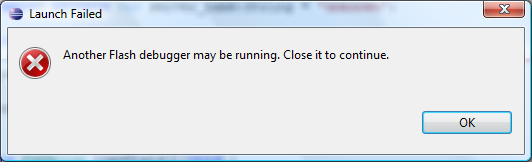
Another flash debugger may be running. Close it to Continue.
Even though it appears there are no IE instances still running, this error comes up.
There are several solutions to this, one is to configure Flex Builder to launch a different browser for debugging, such as FireFox. Another is to disable Vista’s UAC. Neither of these were good solutions for me.
The problem has to do with a socket getting left open. As a short term fix you can use your task manager and kill the ieuser.exe process when you get this error. Then you should be able to launch the debugger ok.
This bug is discussed in Adobe’s bug tracker system. Their suggested solution for now is to add this string to your flexbuilder.ini file:
-Djava.net.preferIPv4Stack=true
After searching around for a while and not finding my flexbuilder.ini file, I discovered that file only exists if you’ve installed Flex Builder stand alone. If you install it as an eclipse plug-in, as I have, then you need to add that line to eclipse.ini. But that didn’t solve the problem for me, and I’ve read it didn’t solve it for some other people as well.
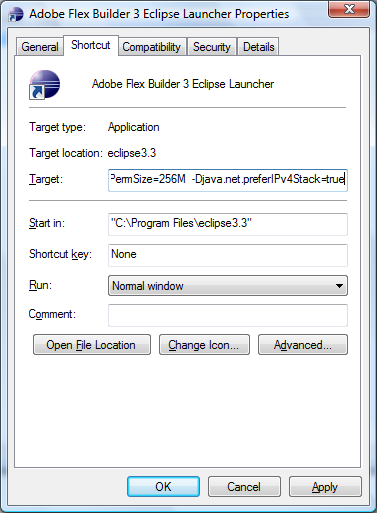
My solution was to add it to the shortcut I was using to launch Flex Builder. This solved the problem and I can now debug as many times as I want with no errors.